 1 / 1
TP-LINK
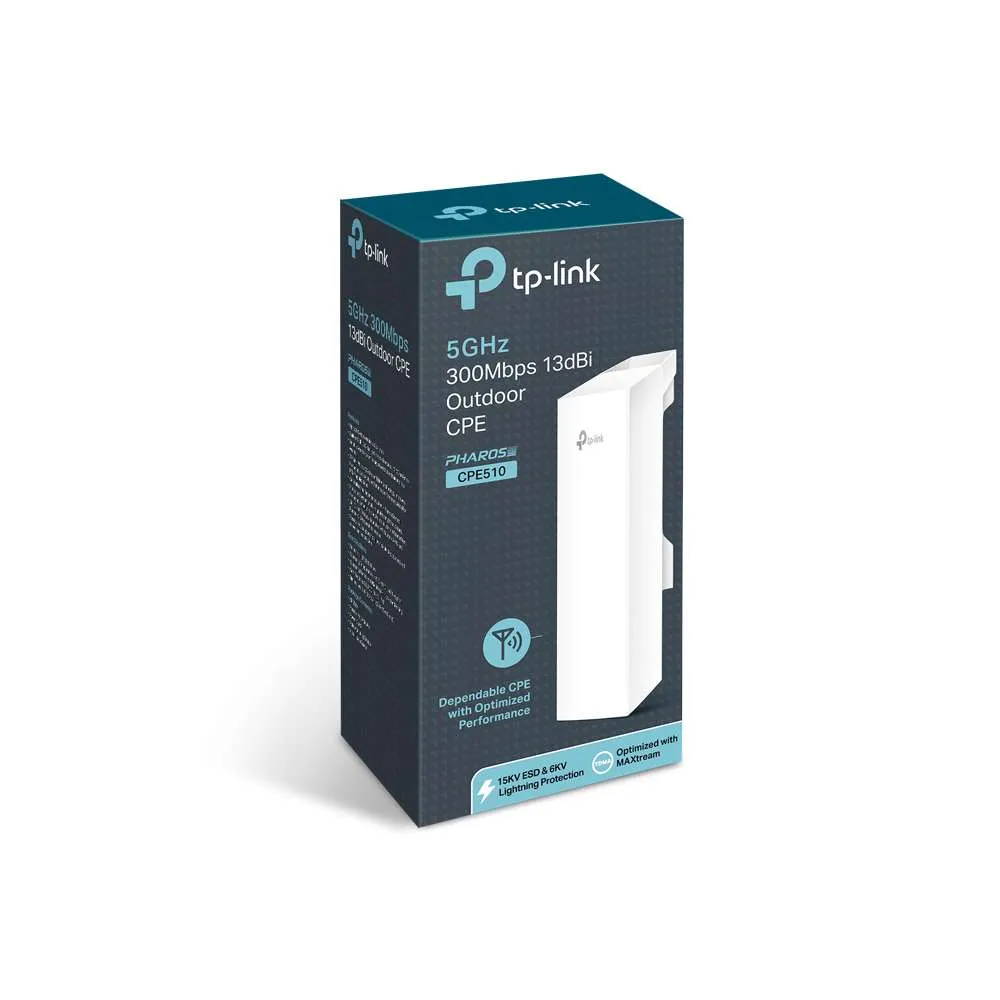
TP-LINK CPE510
Contact us to confirm availability
KSh 7,600
Ask about this product Delivery, made clearOur team confirms costs and timing for your location.
Advice before you buyAsk about compatibility, setup and warranty details.
GET TO KNOW IT
Product overview
The TP-Link 5GHz Wi-Fi band provides much faster internet speeds and suffers from less congestion than the older 2.4GHz band. However, its signal cannot travel as far or push through solid walls as easily. To help you get exactly what you need, here is a guide on how to turn it on, split your networks, or choose the right 5GHz hardware. How to Turn On or Split 5GHz on a TP-Link Router Most modern routers bundle both bands under one name using a feature called Smart Connect. If you want your devices to see a dedicated 5GHz network, you can set it up manually. Using a Computer Web Browser: Connect to your Wi-Fi and type tplinkwifi.net (or 192.168.0.1) into your address bar. Log in with your admin password Go to Advanced > Wireless > Wireless Settings. Turn off Smart Connect if you want separate network names. Check the box to Enable 5GHz.Change the 5GHz network name (SSID) to something like "HomeNetwork_5G" so you can easily spot it, then click Save. Using the TP-Link Tether App: Open the TP-Link Tether App on your phone. Tap on your router icon and navigate to Wi-Fi Settings. Toggle the 5 GHz switch to On and hit save.📡 Popular TP-Link 5GHz Hardware Categories If you are looking to buy a 5GHz device, TP-Link offers options tailored to different coverage needs: For Home Use (Routers & Mesh)TP-Link Archer Series (Dual-Band/Tri-Band Routers): Great for standard homes. They offer a 2.4GHz band for smart home gadgets and a fast 5GHz band for gaming and 4K streaming.TP-Link Deco (Mesh Wi-Fi Systems): Ideal for large homes with dead zones. Deco units work together to create a single seamless 5GHz network that covers your entire house. For Outdoor & Long-Distance Use (CPE Devices)If you need to beam internet across a massive farm, yard, or between separate buildings, TP-Link makes dedicated outdoor 5GHz antennas: TP-Link TL-CPE510 Outdoor CPE: Features a built-in 13dBi directional antenna designed for long-range point-to-point wireless transmission. Operates strictly on the clear 5GHz frequency to avoid signal noise. Protected by an IPX5 weatherproof enclosure to withstand harsh rain and sun. TP-Link TL-CPE610 Outdoor CPE: Features a larger 23dBi high-gain directional grid antenna for even greater distance and wind resistance. Delivers up to 300Mbps wireless speeds over long distances using 2x2 MIMO technology.
KEEP EXPLORING
More in this collection